SEO didn’t die. It moved. First from keywords → intent. Then from content → experience. Now it’s moving again: from “pages for humans” to websites that AI agents can reliably operate.
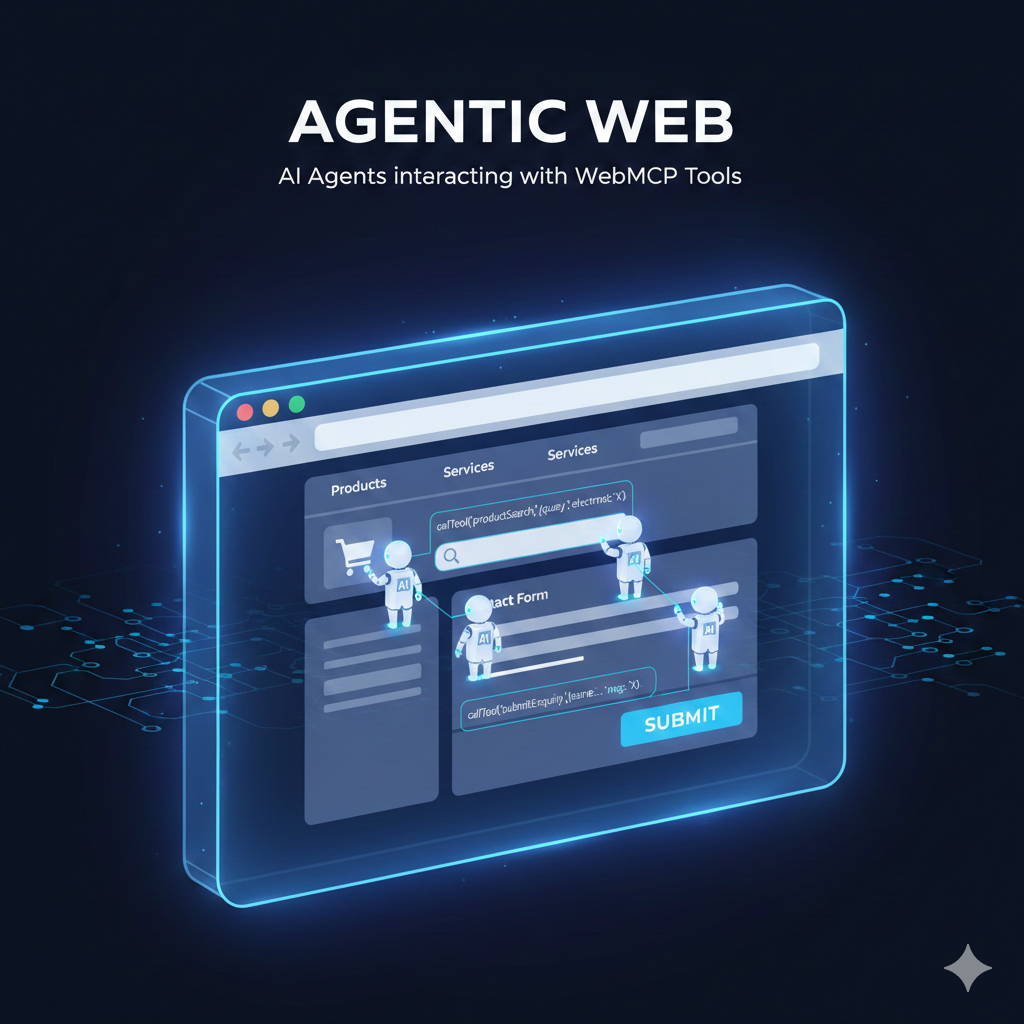
If you’re thinking “this is a developer thing,” you’re about to make the same mistake businesses made when they ignored mobile-first and page experience. WebMCP isn’t about making your website prettier. It’s about making your website executable.
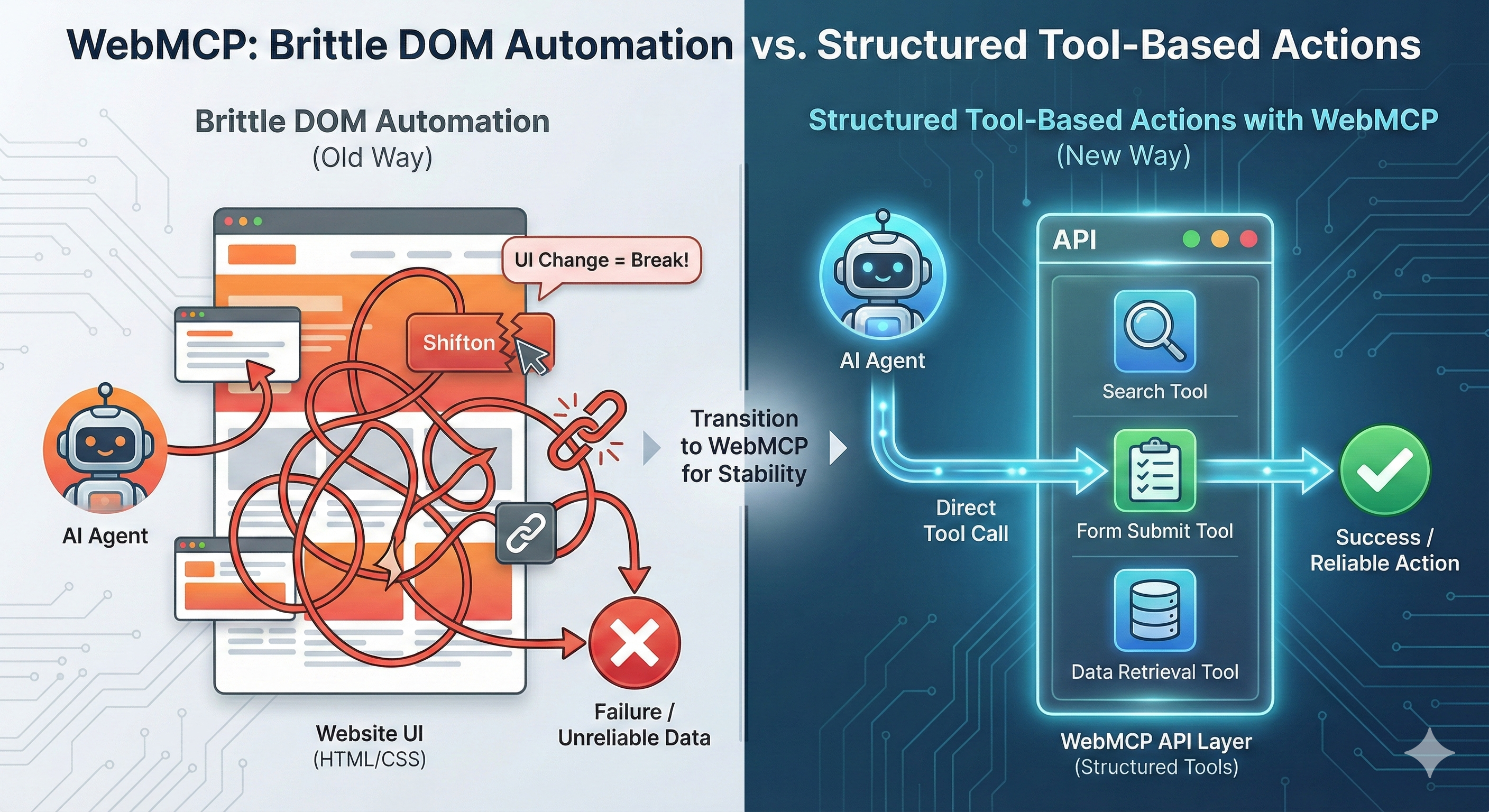
Today, most AI agents “use” websites like a clumsy human. They look at the page, guess which button does what, click around, fill forms, and hope the site behaves the same each time. It’s slow. It’s brittle. Change one UI label and the agent breaks.
WebMCP changes that model. A website can expose structured actions (tools) so an agent can directly call the right capability instead of guessing through the UI.
Official WebMCP early preview details are published by Chrome Developers: WebMCP early preview (Chrome Developers) .
MCP (from Anthropic) is an open standard that lets AI systems connect to external tools and data sources through a consistent interface (servers expose tools; clients connect). MCP overview (Anthropic) . The technical spec is here: MCP specification .
WebMCP is Chrome’s web-focused approach so agents can perform website actions reliably without brittle UI automation. It’s about making websites “agent-ready” through structured, discoverable actions.
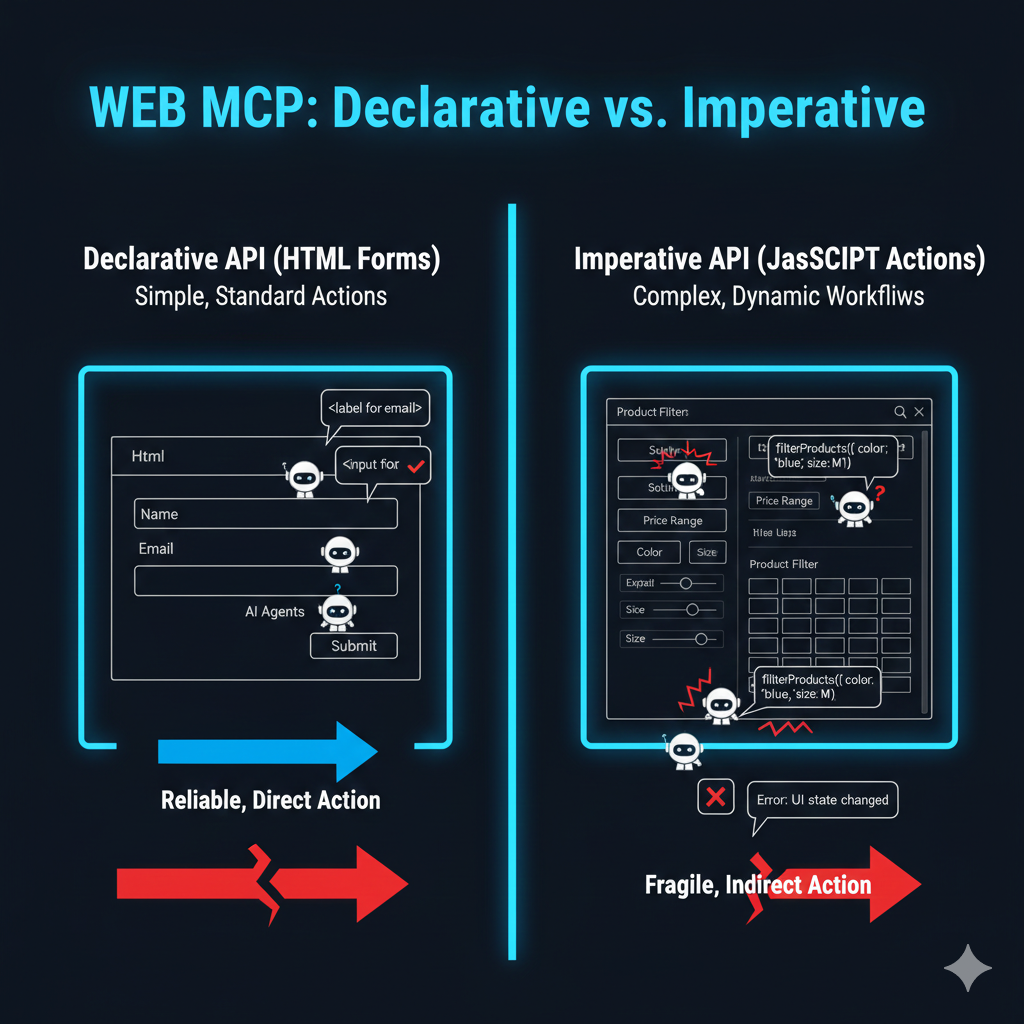
For standard actions that can be expressed in HTML forms—signups, enquiries, support tickets, basic searches. SEO takeaway: clean form structure, labels, predictable inputs, and stable redirects are no longer “nice to have.”
For dynamic actions that require JavaScript—filters, ecommerce interactions, complex workflows. SEO takeaway: your “dynamic UX” becomes a reliability problem for agents too. If agents fail here, you lose the action.
We’re heading into a world where visibility isn’t only clicks from Google Search. It’s also whether an agent can complete a task on your site.
If agents can reliably complete an enquiry or purchase on Site A but fail on Site B, the choice becomes obvious—even if Site B has “better content.”
This is the new technical SEO frontier: agent-readiness. (If you’re already adapting to multi-surface discovery, you’ll relate to this: Search Everywhere Optimization .)
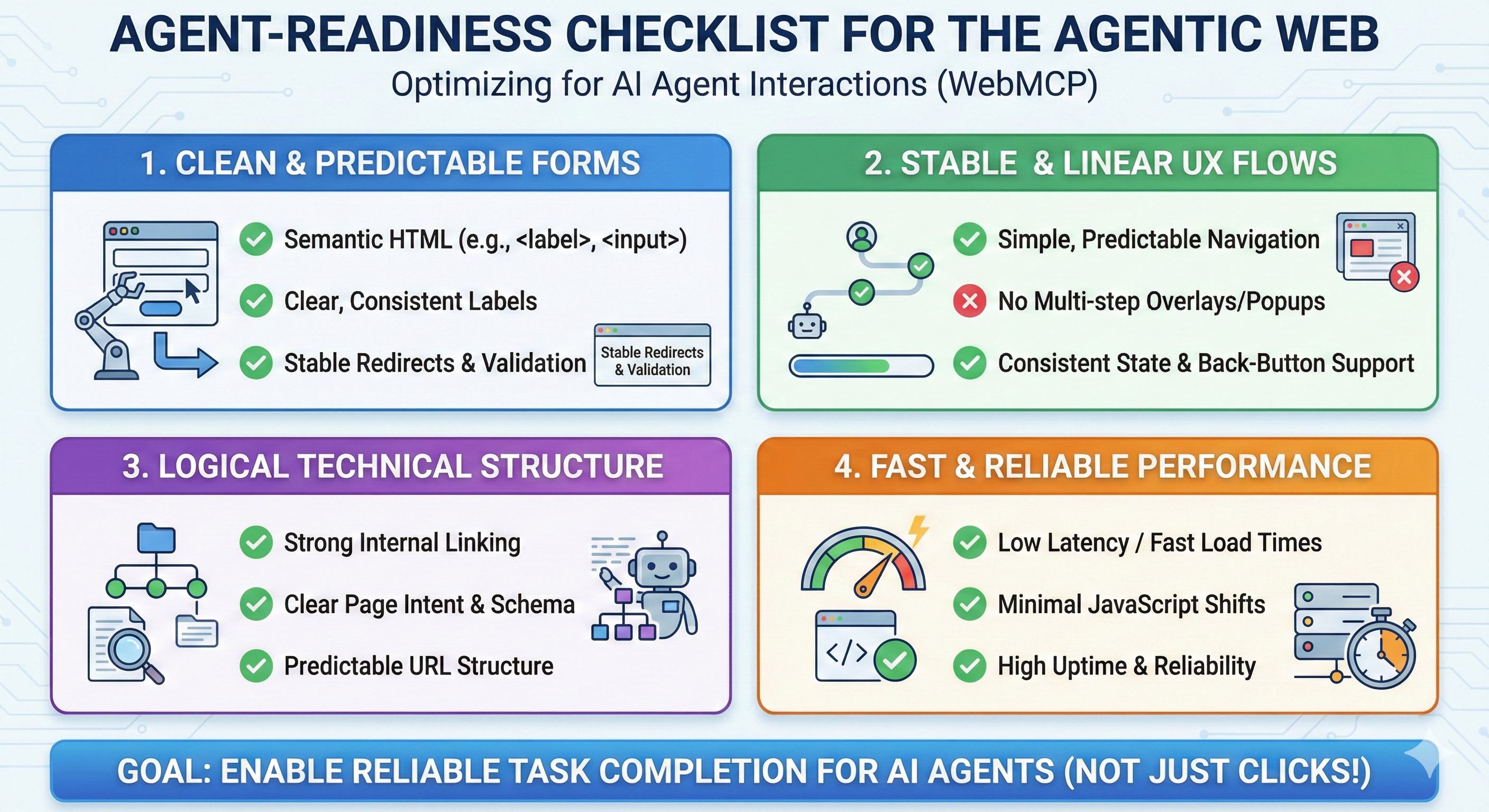
What are the top actions that matter? Quote request, booking, checkout, lead form, support ticket. If you don’t know this, you’re optimizing blindly.
Labels, inputs, validation, no weird redirect traps, no broken back-button flow. Clean HTML is not old-school. It’s agent-ready.
Multi-step popups, inconsistent states, heavy JS shifts—these don’t just hurt humans. They break automation and agent reliability.
Strong internal linking, predictable navigation, clear page intent. (This also makes your content easier to cite in AI answers.)
If you want a WebMCP/agent-readiness audit (forms, UX flows, technical structure), reach out to Techpullers.

Writen by
Posted On
February 24, 2026
Aiswariya Kolora is a professional digital marketing strategist and SEO expert. As the founder of Techpullers, she crafts effective online marketing strategies that help businesses grow.
Your email address will not be published. Required fields are marked *
Leave a Comment
Your email address will not be published. Required fields are marked *